
FEATURES
See the evidence behind every application
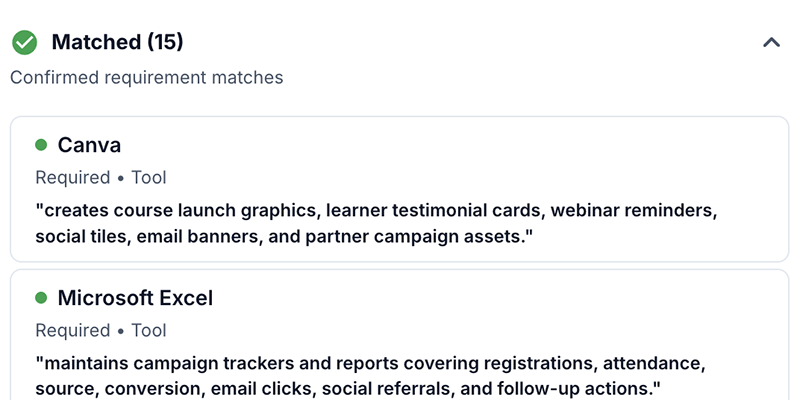
Review AI-created and AI-enhanced resumes in one job dashboard. See overall match, skills and experience coverage, seniority, and review findings, with applications grouped to help you decide where to start.
EVIDENCE AGAINST REQUIREMENTS
See what supports each application
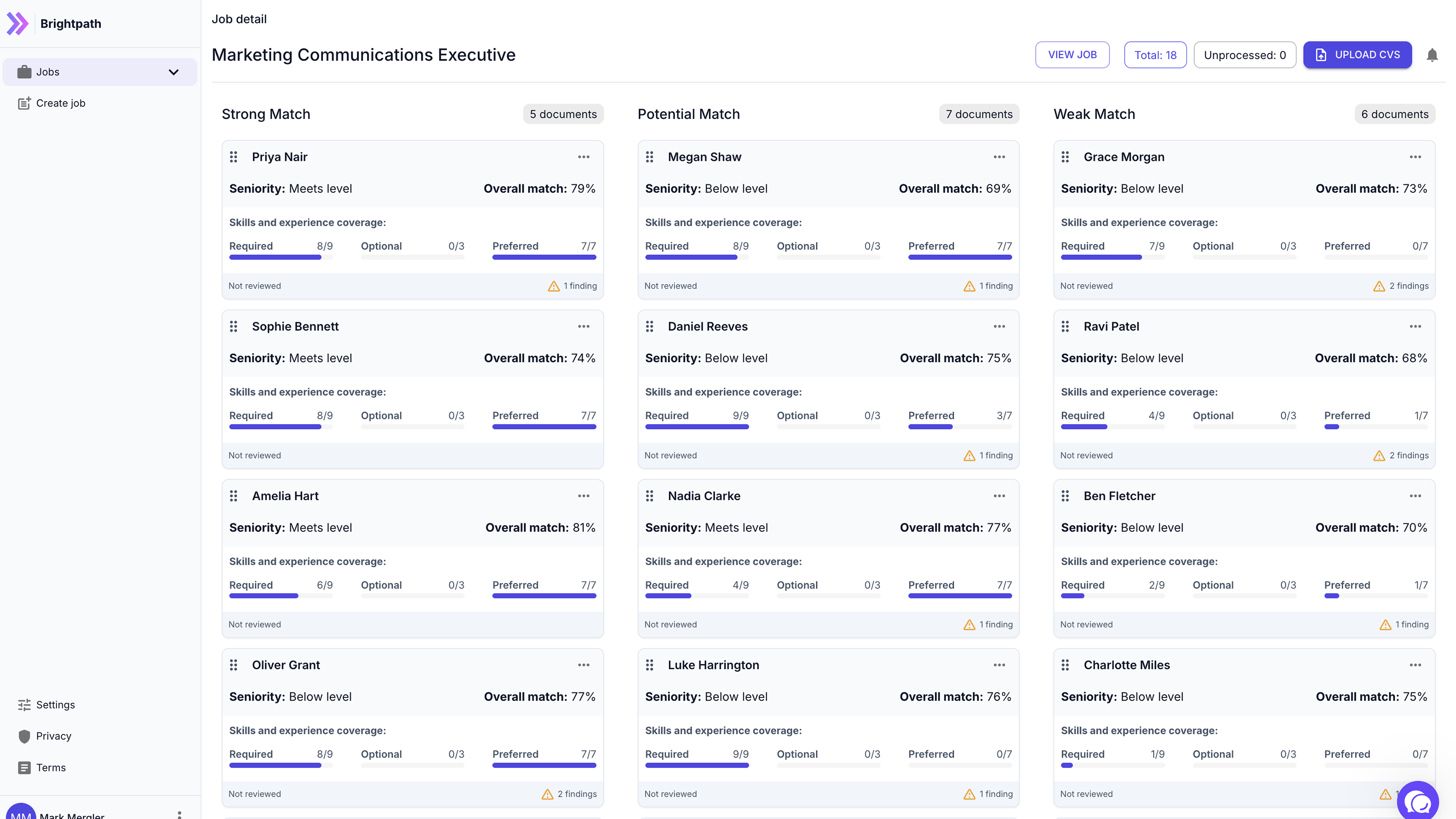
Go beyond the overall match score by opening each resume to see confirmed requirement matches and the exact supporting excerpts. The score helps you scan, while the evidence helps you understand what supports it.
GROUPED BY EVIDENCE
Decide where to start
Applications are grouped into Strong Match, Potential Match and Weak Match. Each card shows overall match, seniority, skills and experience coverage, and any findings. Use this to decide where to review first; fairsort does not make the hiring decision.
POSSIBLE MANIPULATION WARNINGS
Spot possible attempts to influence automated review
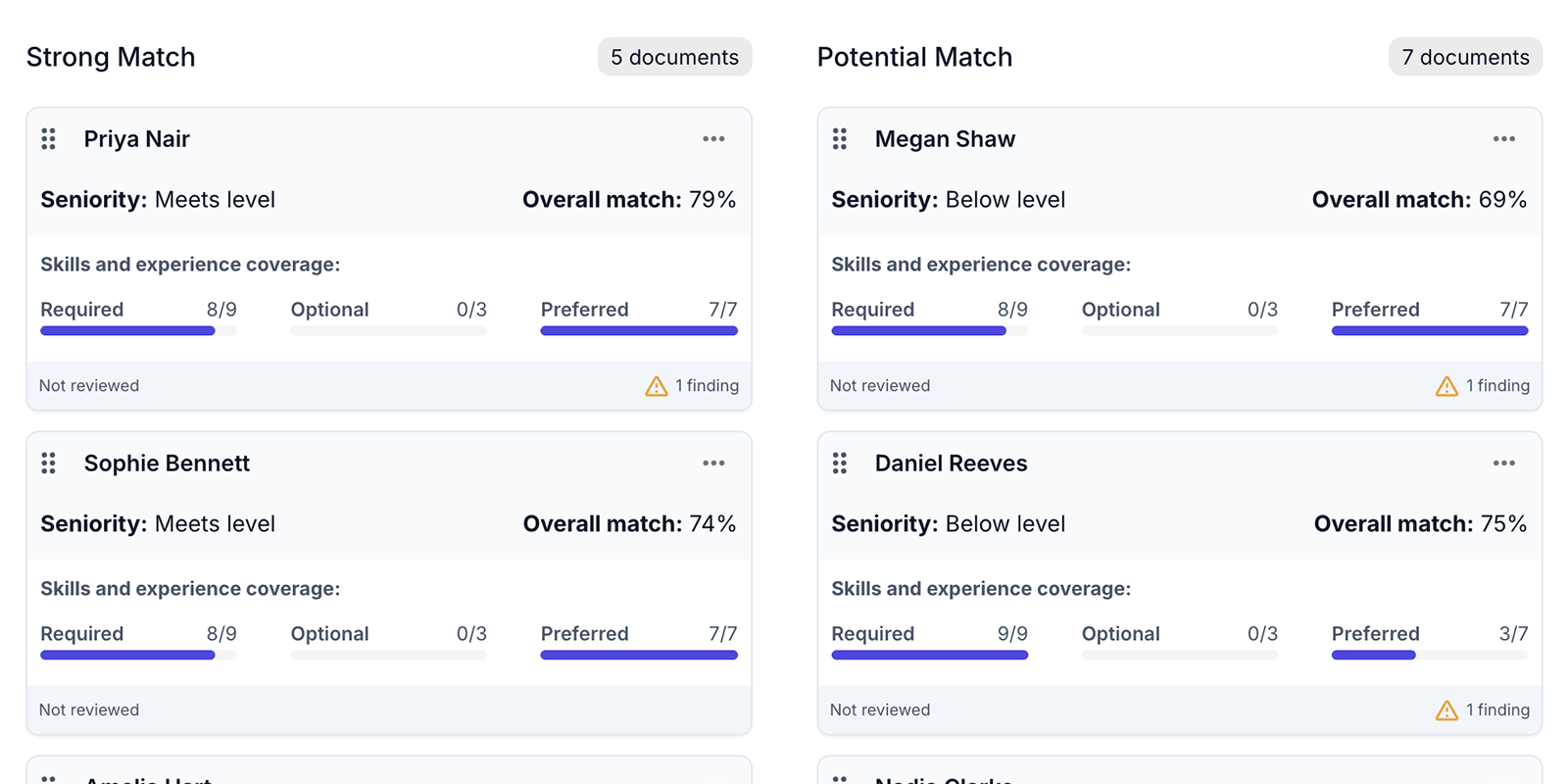
fairsort shows a warning when a resume may contain content intended to influence automated evaluation, together with the text that triggered the finding. A warning is not proof of AI use or intent, does not change the application's group, and never rejects a candidate.
SHORTLISTING
Build your shortlist as you review
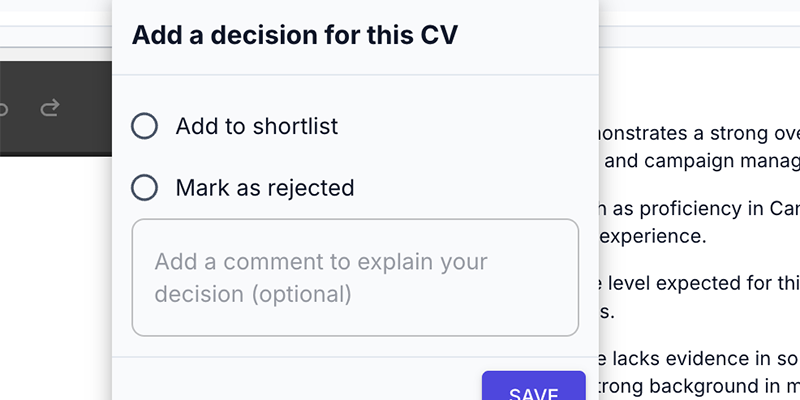
Shortlist a candidate or mark the application as rejected after reviewing the resume, Summary, and Evidence. Add notes to record your reasoning so the decision remains clear as the hiring process moves forward.
ON-DEMAND CANDIDATE BRIEFS
Generate a deeper review when you need it
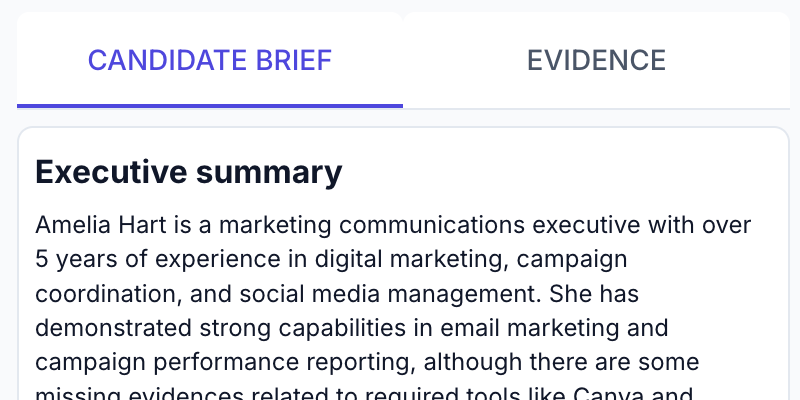
Generate a Candidate Brief on demand for a selected resume. It gives you an executive summary alongside the Evidence tab to support closer review. It does not rank candidates or decide who should progress.
DIRECT RESUME UPLOAD
Upload the resumes you already have
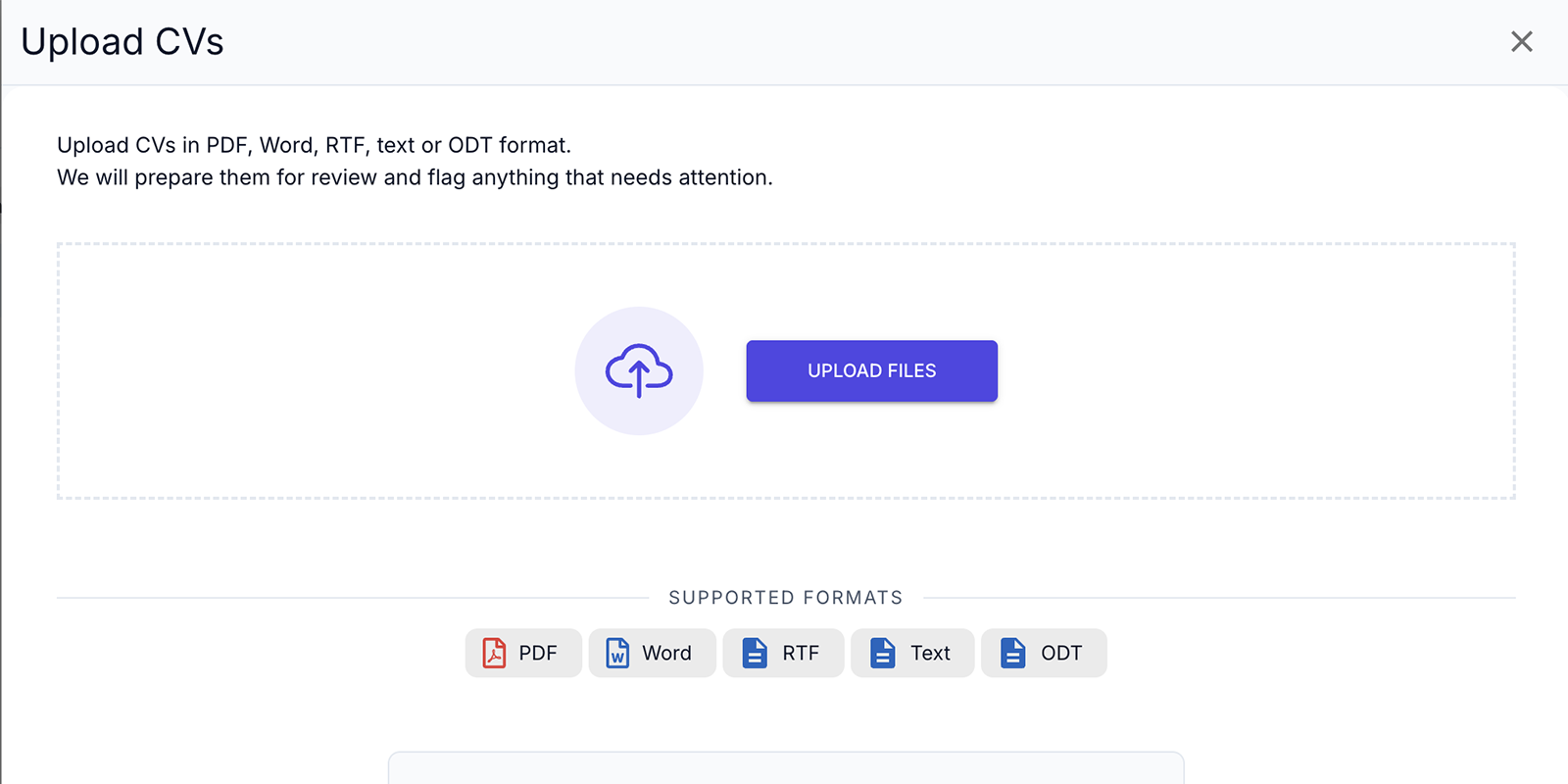
Upload PDF, Word, RTF, text, or ODT files directly. fairsort prepares them for review and flags anything that may need your attention, without requiring a full ATS.
GET STARTED FOR FREE
Ready to review AI-enhanced resumes with clearer evidence?
Start with Pay As You Go to review resumes against your job requirements. See the evidence, review possible manipulation warnings, and stay in control of every decision. There is no monthly fee.